Getting Started
If you are here, this means that the services are running, and you can try out the demonstration scenario which shows a typical healthcare workflow:
1. Access the EHR System
- Open your browser to localhost:81
- You’ll see the EHR simulator login page
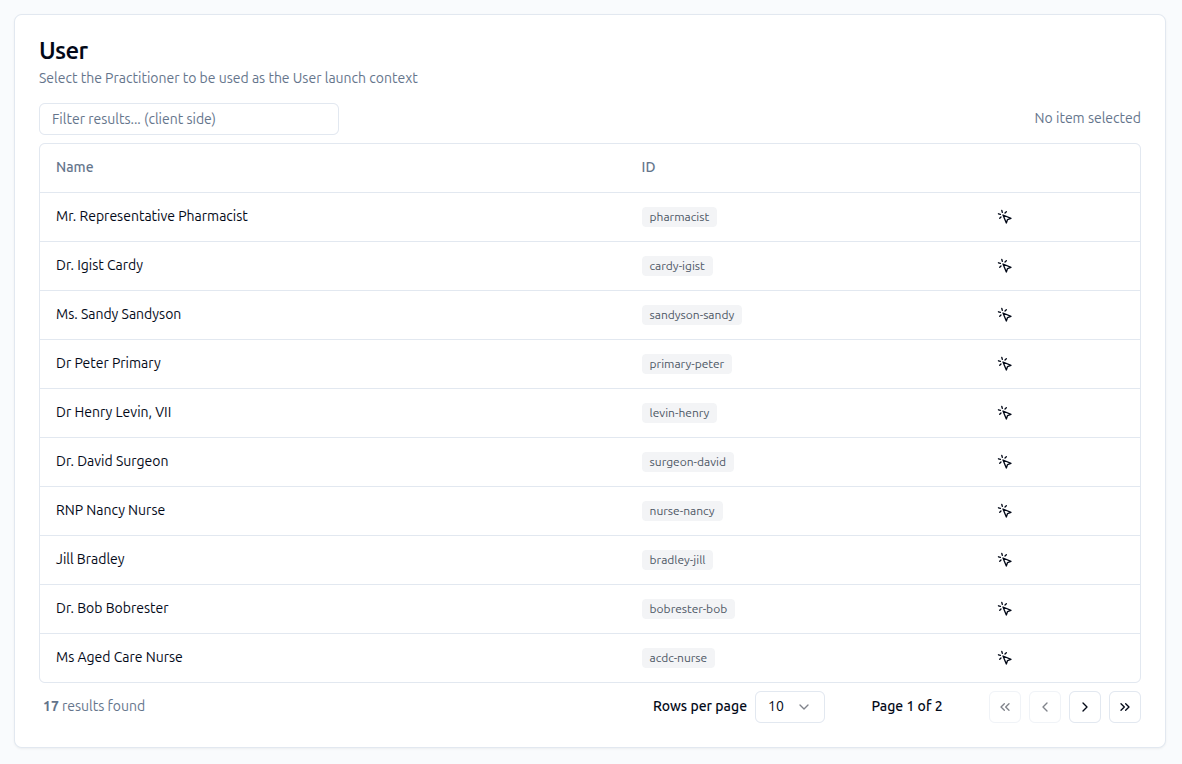
- Log in as “Mr. Representative Pharmacist”

2. Select the Patient
- From the patient list, locate and select “Mrs Smart Form”

- This test patient is pre-configured for the demo
3. Launch SMART Forms
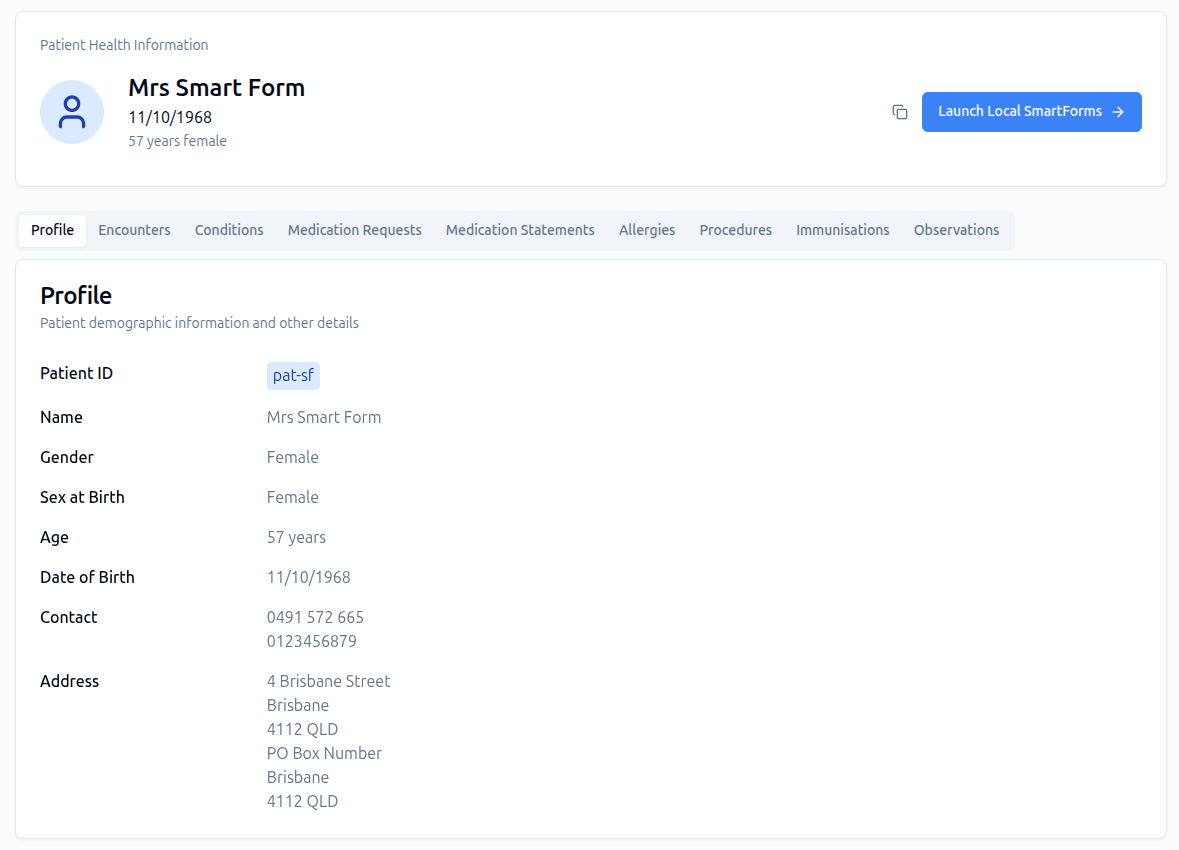
- Click on “Local SmartForms” in the EHR interface
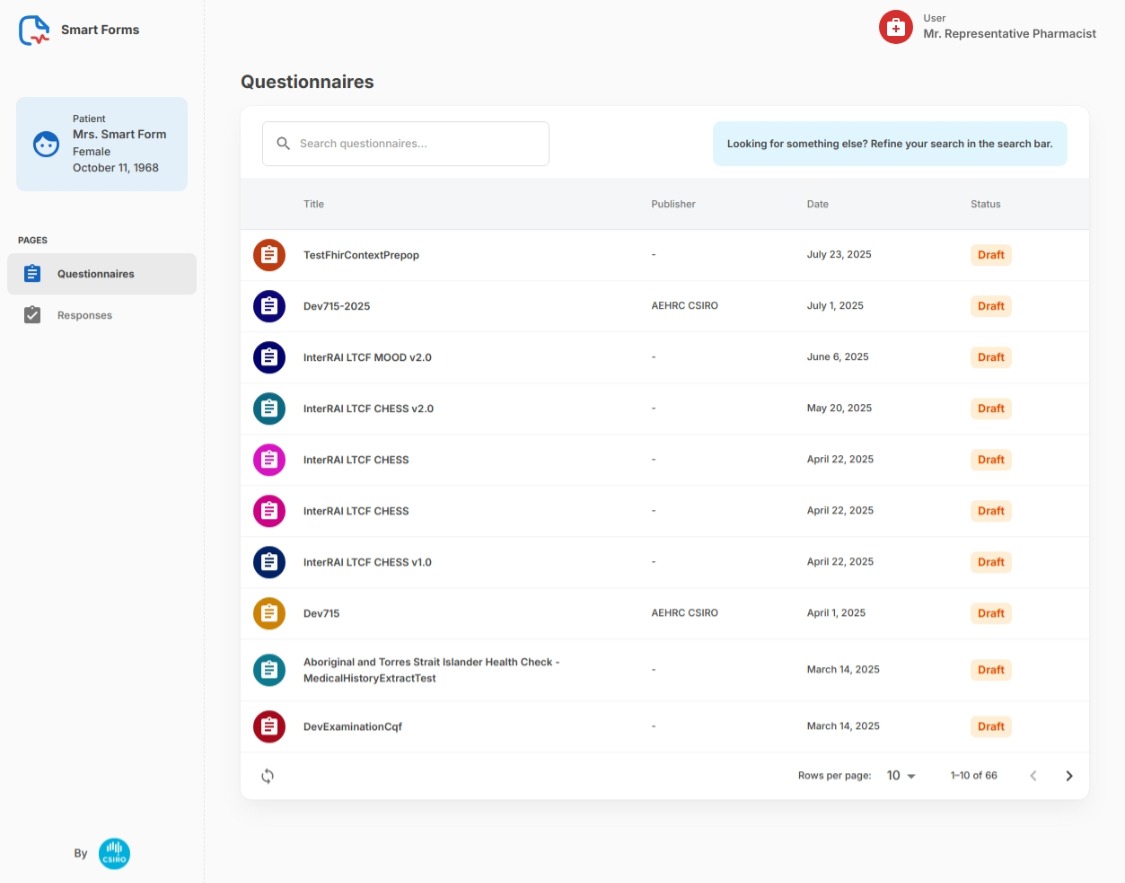
- The CSIRO smart apps application will automatically launch
- SMART on FHIR authentication happens automatically
4. Complete the Form
-
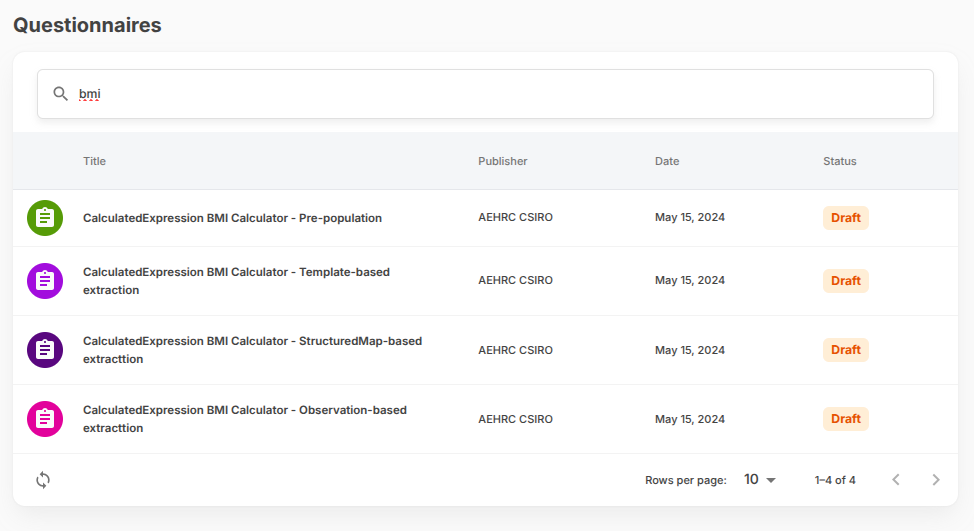
Find and open the green BMI form
-
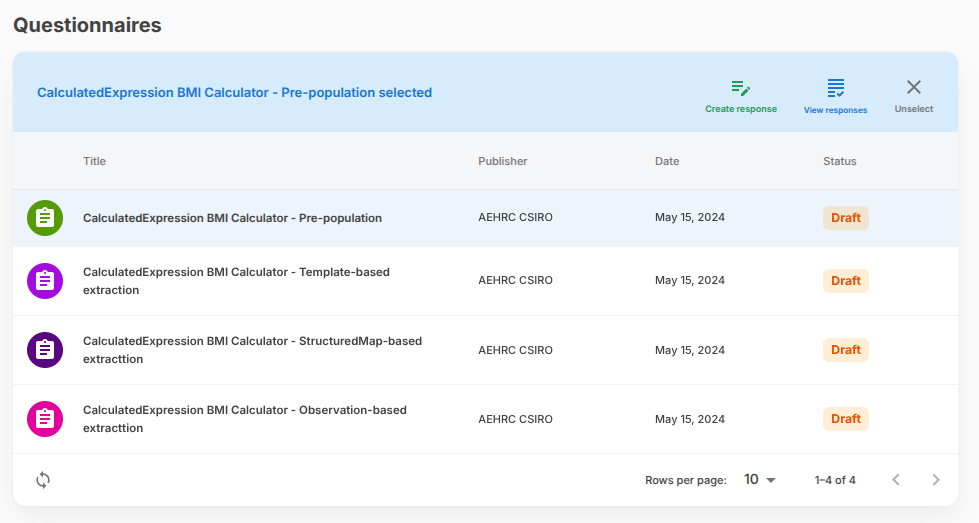
Create a new response
-
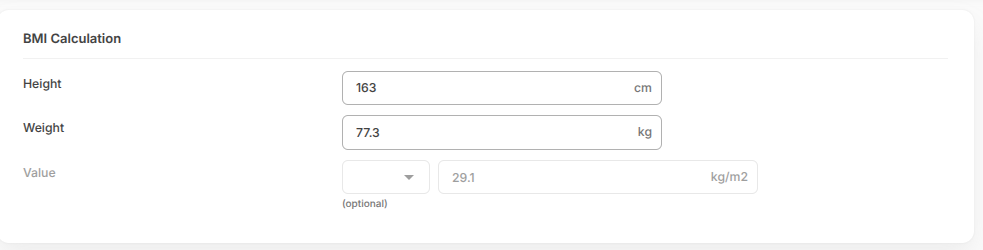
Set the patient’s height to 162 cm
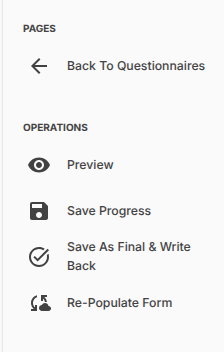
- Save your changes
5. Verify the Data
After saving, the QuestionnaireResponse will be stored on the FHIR server. You can verify this by visiting:
localhost:8080/resource?serverId=home&pretty=false&_summary=&resource=QuestionnaireResponse
This demo showcases Form Lab’s ability to integrate EHR systems, SMART on FHIR applications, and FHIR servers in a seamless workflow.